Hide your IP in one tap
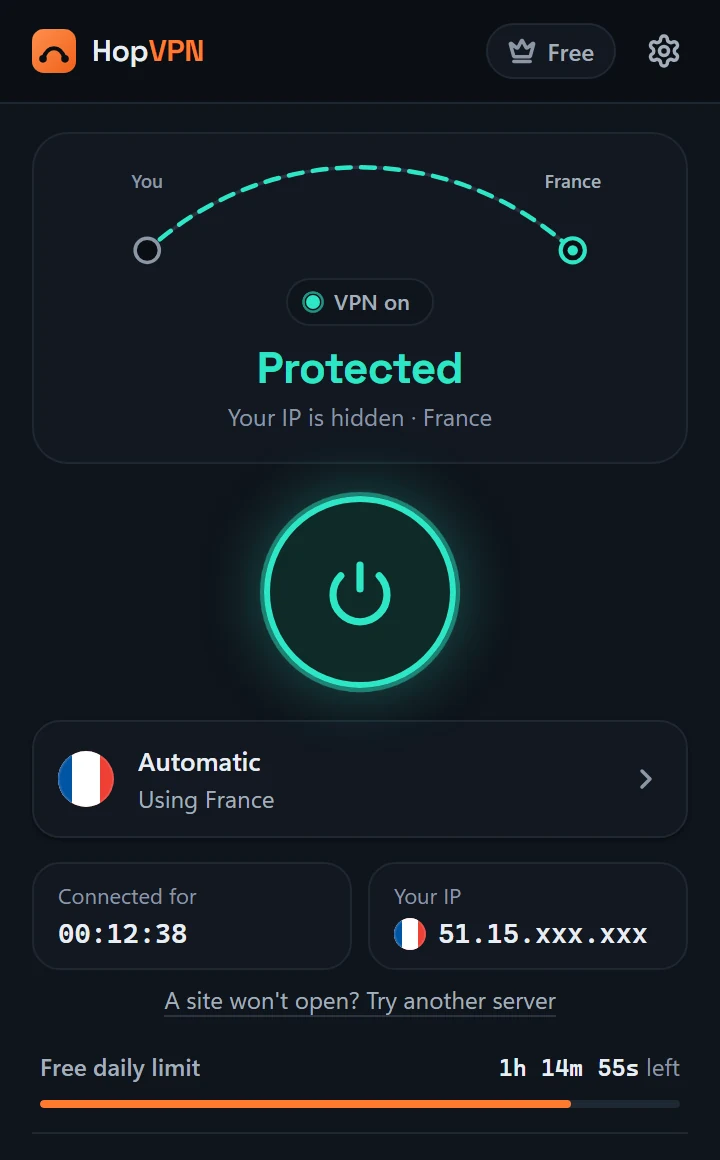
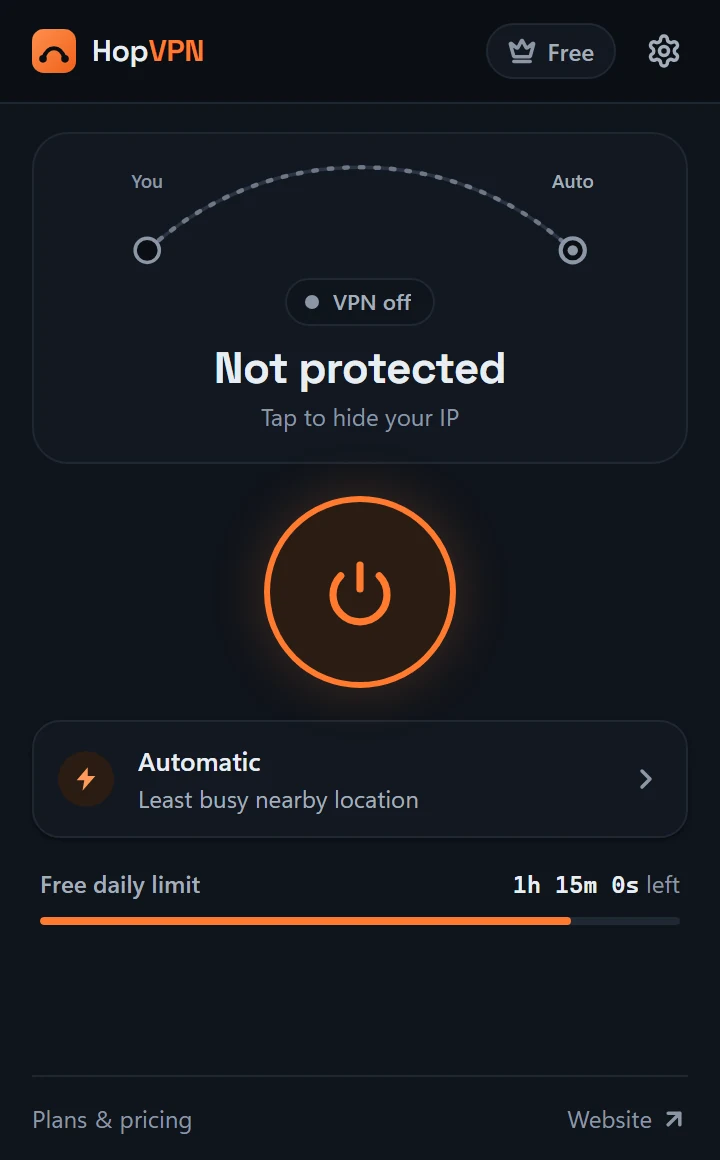
Press the big button. HopVPN finds the best live server, connects, and checks that your traffic really goes through it before it says “Protected”.
Free VPN proxy for Google Chrome
One tap sends Chrome through an encrypted HopVPN server, so websites see our IP address instead of yours. No account, no setup, no browsing logs.
Features
Everything lives in one small popup next to your address bar. Turn it on, keep browsing.
Press the big button. HopVPN finds the best live server, connects, and checks that your traffic really goes through it before it says “Protected”.
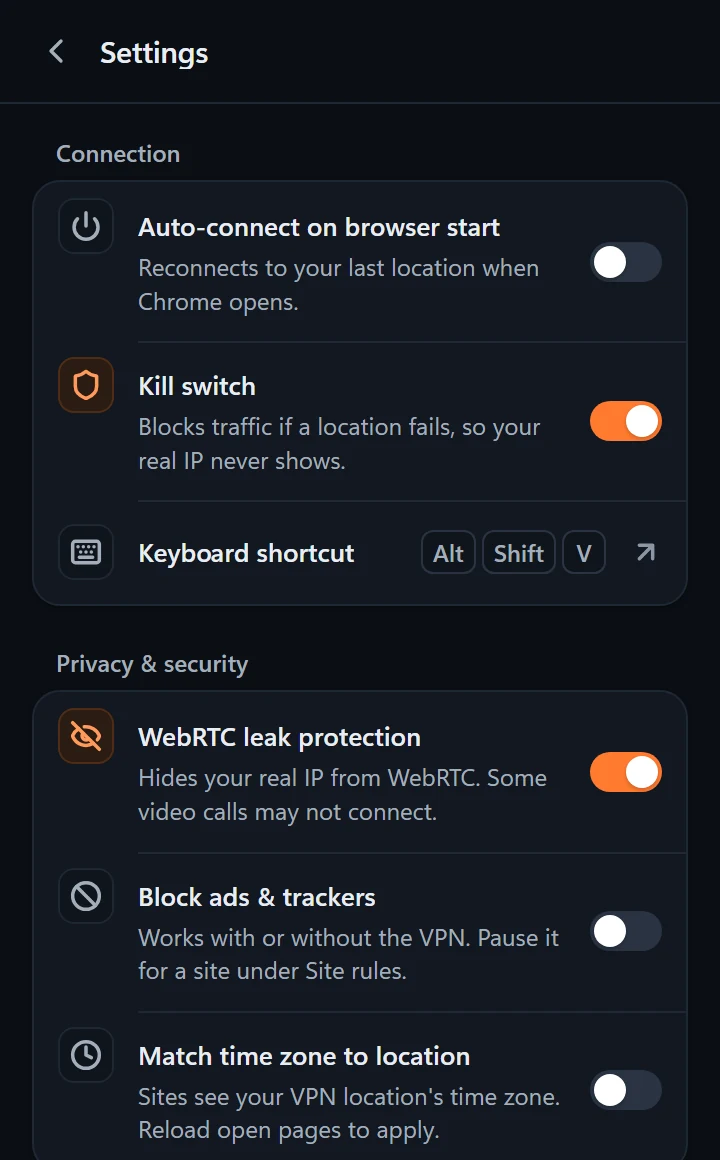
If a server stops answering, Chrome waits instead of falling back to your real connection.
Stops websites from reading your real IP through WebRTC while you're connected.
Let your bank or school site skip the VPN, while everything else stays protected.
Optional, built in, and it runs entirely inside your browser.
Pages see the time zone of your VPN location, not your computer's.
Toggle HopVPN with Alt+Shift+V, or skip it on a site from the right-click menu.
Check your speed through the VPN, and see your last 7 days. History never leaves your browser.
Reconnect when Chrome starts, and get a heads-up if your connection drops.
How it works
Install it free from the Chrome Web Store. No account to create.
Click the puzzle icon in Chrome and pin HopVPN so it's one click away.
When it turns teal and says “Protected”, websites see HopVPN's IP, not yours.
 HopVPN server
Swaps in its own IP
Inside the popup
Real screens from the extension.
Locations
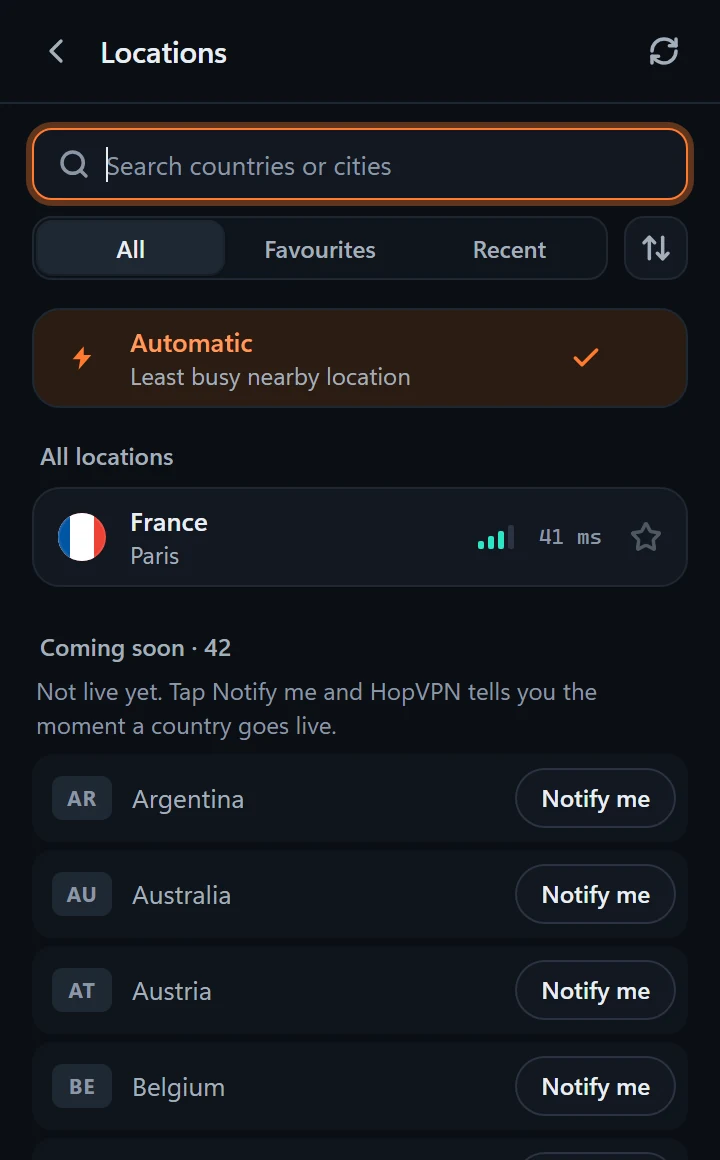
Many free VPNs list dozens of countries that all lead to the same machine. HopVPN shows a country as live only when a real server is running there. The rest say “Coming soon”, and the extension tells you the moment one goes live.
Live now
Coming soon
Want one? Tap Notify me next to it in HopVPN. It also tells us which country to add next.
Pricing
$0forever
Everyday privacy, no account.
$7.99/ month
Premium, month to month.
$24.99/ 6 months
That's about $4.17 a month.
$49.99one time
Premium for good. No renewals.
Buy here or inside the extension. Then sign in to HopVPN with the Google account of the email you paid with, and Premium switches on. Secure payments by Lemon Squeezy. Prices in USD.
FAQ
Yes. The free plan gives you 90 minutes of VPN every day on our free locations, with every privacy feature included. It needs no account and no card. The time resets every 24 hours.
HopVPN is a browser extension, so it protects what you do in Google Chrome. Websites you open in Chrome see the HopVPN server's IP address instead of yours. Other apps on your computer keep using your normal connection.
No. We don't record the websites you visit, your traffic or your DNS lookups, and we don't store your IP address. For the free daily limit we keep a one-way hash of it for up to 24 hours. The details are in our privacy policy.
France (Paris) is live today. Every other country in the app is marked “Coming soon” until a real server runs there. Tap “Notify me” on the ones you want and HopVPN will tell you when they go live.
No. HopVPN works the moment you install it. Signing in with Google is optional: you only need it to buy Premium and to use it on your other browsers.
Open HopVPN, go to Account and sign in with Google using the same email address you paid with. Your Premium switches on right away, and you can use it on up to 5 browsers the same way.
Some sites block VPN servers. Open HopVPN and add a site rule so that one site skips the VPN, or try another location once more are live.